

ENS Omnigraph API
The ENS Omnigraph API is the world’s first and only API providing unified access to the full state of ENSv1 and ENSv2. It’s a single, polymorphic GraphQL API over both ENSv1 and ENSv2 — write your query once and get correct, typed results regardless of which protocol version a given Domain lives in.
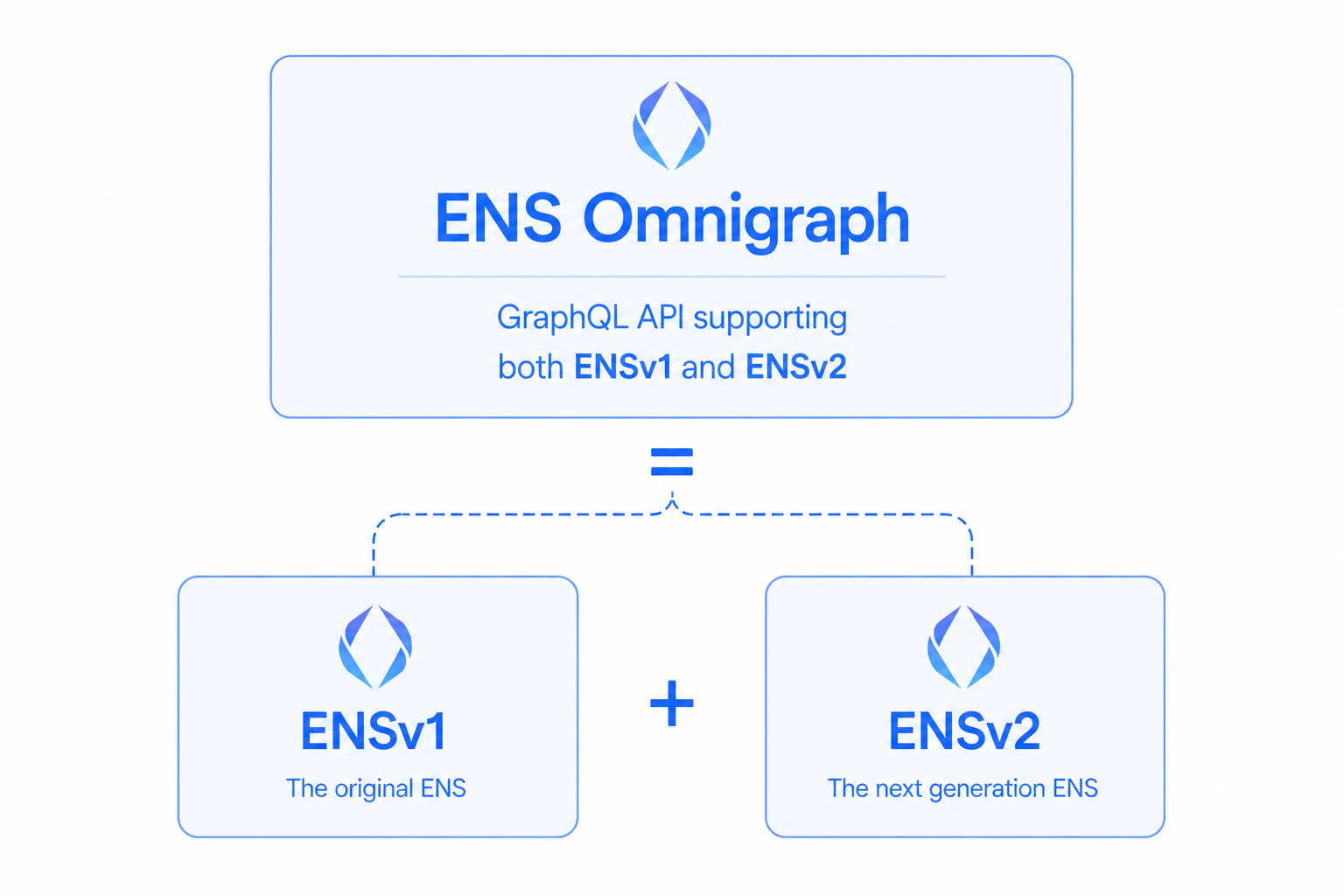
The Omnigraph is delivered by ENSApi on top of the indexed data in ENSDb. It follows the Relay specification, abstracts away the most common ENS-protocol footguns, and exposes enough of the underlying protocol for builders who need to go deep.
One unified API over ENSv1 + ENSv2
Section titled “One unified API over ENSv1 + ENSv2”When ENSv2 launches in Summer 2026, the two protocol versions coexist — and the Omnigraph keeps your app working against both, at the same time, with no code changes. Both ENSv1 and ENSv2 Domains are indexed concurrently and exposed through a unified schema.
Ask for a Domain by name (domain(by: { name: "vitalik.eth" })) and you get a typed result whether that name lives in ENSv1 or ENSv2 — your code doesn’t have to know which at query time.
What you get
Section titled “What you get”- Multichain in one query — mainnet
.eth, Basenames (.base.eth), Lineanames (.linea.eth), and 3DNS names (.box) all in a single unified schema. - Typed, no footguns — names and labels are normalized for you, so rendering them in a UI is trivial.
- The full ENS picture — resolve records, search Domains, list what an address owns, read a complete history of onchain Events, inspect Permissions, and more.
- Built-in pagination — Relay-spec connections mean infinite scroll and stable pagination work out of the box.
Your first query
Section titled “Your first query”Look up a Domain by name and read its owner:
query GetDomain { domain(by: { name: "vitalik.eth" }) { canonical { name { interpreted } } owner { address } }}That’s a simple shape to get started. When you’re ready to understand the data model underneath, see Core Concepts.